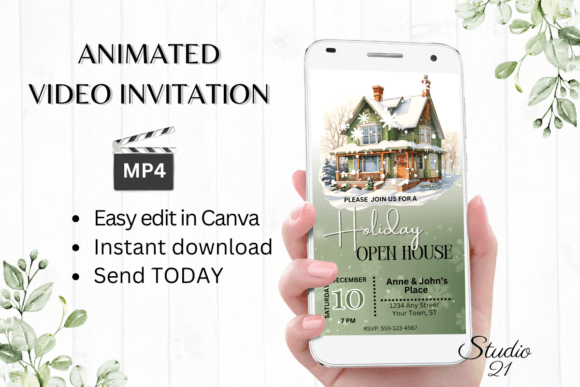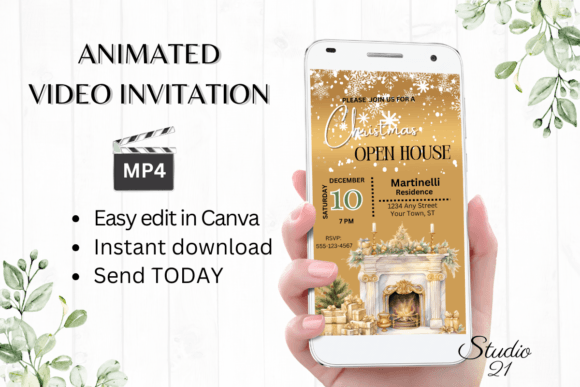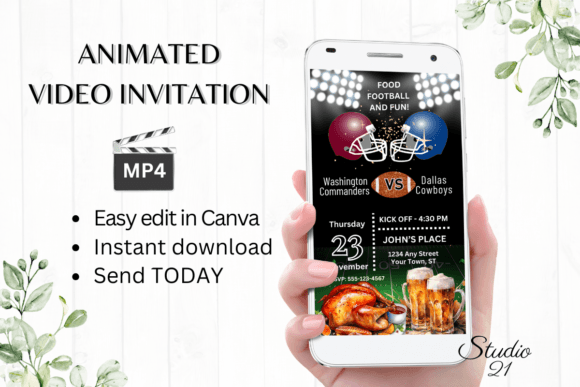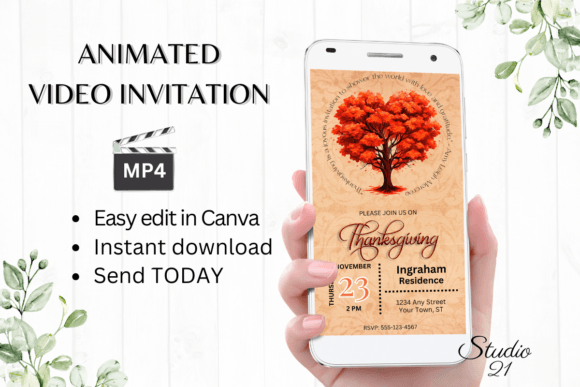
Send a Holiday Open House Invite in Minutes
The holiday season is a whirlwind of planning, decorating, and coordinating. When you’re ready to open your doors to friends, family, or clients, the last thing you need is a complicated design process. A Holiday Open House Invite template offers a practical, elegant solution that gets your invitation out the door without delay. It’s about capturing the warm, festive spirit of your gathering and sharing it instantly.
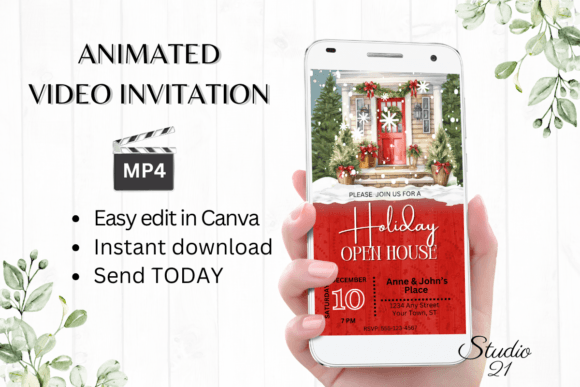
This digital template is built for real-world use. Its visual style balances festive cheer with clean, modern design. You’ll find classic holiday elements—think subtle snowflakes, elegant typography, or warm, inviting color palettes—but they’re presented with a sophisticated, uncluttered aesthetic. The personality is welcoming and polished, avoiding cartoonish or overly kitschy vibes. This makes it versatile enough for a cozy family gathering, a neighborhood cookie exchange, or even a client appreciation event for a small business. The overall appeal lies in its ability to feel personal and celebratory without requiring a designer’s eye to execute.
Where This Template Shines: From Personal to Professional
The true value of a tool like the Holiday Open House Invite is its adaptability. For personal use, it’s a lifesaver. You can personalize it for a family dinner, a New Year’s brunch, or a holiday open house for your book club. The ease of editing in Canva means you can tailor the message and style to fit the exact tone of your event, whether that’s formal or casual.
For entrepreneurs, marketers, and small business owners, the applications are equally powerful. Consider these scenarios:
- Client Appreciation: Send a polished digital invitation to your top clients for a holiday open house at your office or studio. It reinforces your brand identity as thoughtful and professional.
- Community Building: A local boutique, café, or fitness studio can use it to invite customers to a special holiday shopping night or seasonal celebration.
- Team Events: Internal company events, like a department holiday party, can be organized with a consistent and professional-looking invitation.
- Collaborative Projects: Bloggers or content creators hosting a holiday giveaway or virtual event can use the template to create a cohesive announcement across social media graphics and direct messages.
The template functions as a design asset that saves significant time. Instead of starting from scratch, you begin with a strong, stylistic foundation that you simply customize.
Making It Your Own: The Editing Experience
The process is designed for speed and simplicity. Once you access the template in Canva, you’re working within a familiar, user-friendly interface. There’s no software to install or complex fonts to manage—everything is handled within the platform.
You have complete control over the personalization. This isn’t just about swapping out a name and date. You can:
- Refine the Text: Edit all copy to match your event’s specifics. Add or delete sections as needed. Is it a potluck? Add a line for dishes. Is it an open house with a charity component? Include that detail.
- Adjust the Typography: While the template comes with a carefully chosen font pairing, you can change the font style, color, and size to better align with your personal taste or existing brand identity. Experiment with a sans serif font for a clean, modern look or a script font for added elegance.
- Tweak the Visuals: Adjust the text effects or even modify the animation to control the pacing and emphasis of your message. The goal is a final product that feels uniquely yours.
The key advantage here is immediacy. There are no proofs to wait for. You make the edits, preview the result, and download. The final deliverable is a high-quality MP4 video file, perfect for sharing. This format is inherently engaging on digital platforms—far more likely to catch the eye in a crowded text thread or email inbox than a static image.
Practical Tips for a Flawless Invitation
While the process is straightforward, a few thoughtful choices can elevate your final invite. First, consider your audience. If you’re sending this to a mix of clients and friends, aim for a tone and visual style that feels appropriately festive yet professional. The template’s design is your starting point; your text edits set the final tone.
Second, think about readability. Even with modern typography, ensure your key details—the date, time, location, and RSVP information—are clear and easy to read at a glance. On a smartphone screen, this is especially critical. Use the editing tools to increase font size for essential information if needed.
Third, leverage the sharing options strategically. The ability to download an MP4 file means you can share it directly via text, Messenger, iMessage, or WhatsApp. This personal, direct approach often has a higher engagement rate than a generic email blast. You can also use the provided link to embed it in an email newsletter, creating a seamless experience for your subscribers.
Finally, remember that this is a digital download—a premium font and design package in a convenient, editable format. There’s no physical product to wait for, and you retain the ability to go back and make changes even after your initial download. This flexibility is invaluable for last-minute adjustments or for reusing the template for future events with different styling.
In the end, a Holiday Open House Invite template is more than just a pretty design. It’s a practical tool that solves a real problem: how to create a beautiful, personalized invitation quickly and share it effectively. It puts the power of professional-looking graphic design into the hands of anyone, ensuring your holiday message is communicated with clarity, style, and warmth.